Why Google Doesn't Always Use the Information You Provide in Search Results
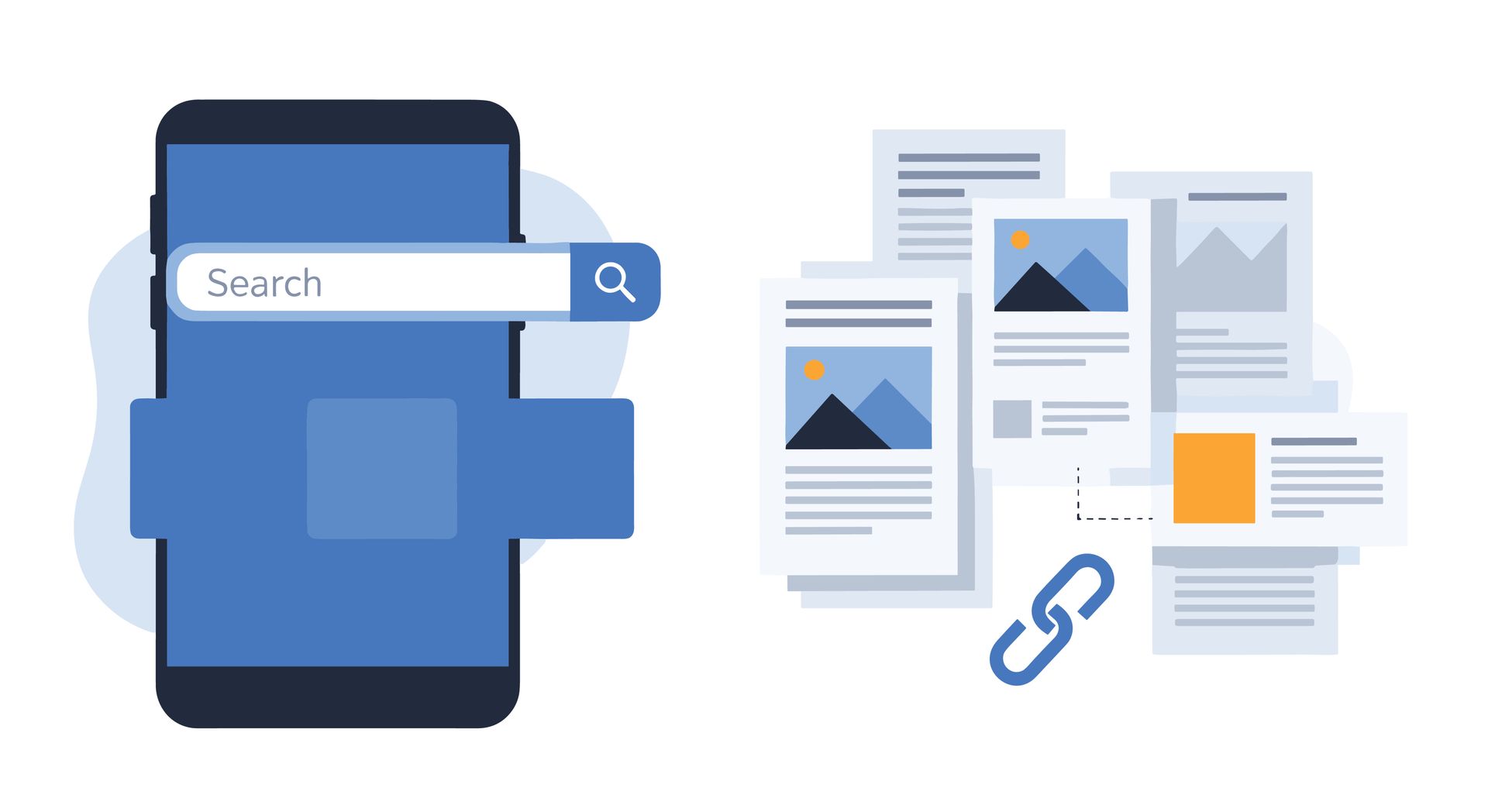
It can be frustrating to search for your own business and discover that Google isn't displaying your website the way you intended. A carefully written title tag may be replaced or your custom meta description ignored.
While website owners can influence how their pages appear in Google Search, many of those elements are treated as suggestions rather than guarantees. Google evaluates the information you've provided alongside your page content, structured data and other signals when determining what to display.
Title Tags Are Suggestions, Not Guarantees
A title tag is the headline that typically appears for your page in Google Search. While website owners can specify their own title tag, Google frequently rewrites them.
This may happen for several reasons, including:
- The title is too long and gets shortened
- The title contains excessive keyword repetition
- Multiple pages use nearly identical titles
- The title doesn't accurately describe the page
- Another heading or piece of text more closely matches the user's search
For example, a page titled "Phoenix Plumbing Company | Emergency Plumbing | Residential Plumbing | Commercial Plumbing" may be shortened or rewritten into something Google considers easier for searchers to understand.
Google Often Creates Its Own Meta Descriptions
Meta descriptions work similarly.
Although you can write a custom description for every page, Google frequently generates its own search snippet instead.
Rather than using the same description for every search, Google may pull text directly from the page that better answers a person's specific query.
For example, someone searching for "Phoenix HVAC maintenance" may see different descriptive text than someone searching for "emergency HVAC repair," even if both searches lead to the same page.
Why Your Favicon May Disappear From Search Results
Some website owners notice that the small icon next to their search listing suddenly disappears, even though it still displays correctly when visiting the website itself.
A favicon may disappear after a change to its file name, URL, format or location, or because Google can no longer access the file. This is why Google recommends keeping the favicon URL stable rather than changing it frequently.
If the favicon still displays correctly on the website, meets Google’s requirements and nothing relevant has changed behind the scenes, the issue may instead involve how Google has crawled, processed or chosen to display it. In that situation, making additional changes immediately could restart the process or make the underlying cause harder to identify.
It is usually better to verify that the favicon remains properly configured and accessible, then allow time for Google to recrawl the site before replacing files or changing the implementation. Its disappearance alone does not necessarily indicate a broader technical problem or an SEO issue.
Rich Results and Other Search Features Can Change
Beyond titles and descriptions, Google also controls many enhanced search features. Depending on the type of website and the search being performed, Google may display elements such as:
- Breadcrumb navigation
- Review stars
- Product information
- Sitelinks beneath your main listing
- Other enhanced search features
Website owners, developers and SEO specialists can influence these features, but they cannot guarantee they will always appear. Google continuously evaluates which information to display for a particular search and regularly updates how search results are displayed.
As a result, enhanced search features may appear, disappear or change over time even when nothing has changed on your website.
When Should You Actually Be Concerned?
Most display changes are cosmetic and don't require immediate action. For example, it's usually not a cause for concern if:
- Google rewrites a page title
- A different meta description appears
- Your favicon temporarily disappears
- Sitelinks change
- Search results look slightly different than they did a few weeks ago
However, it's worth investigating if you notice issues such as:
- Pages disappearing from Google's index
- Significant ranking declines across multiple pages
- Sharp drops in organic traffic
- Crawl or indexing errors in Google Search Console
- Structured data errors affecting multiple pages
Looking at the bigger picture is important. A cosmetic change to your search listing is often harmless, but a broader loss of visibility or traffic may indicate a technical issue that should be addressed.
Google Controls the Final Display, but Best Practices Still Matter
In recent years, Google has become more willing to generate its own title links, select different descriptive text and determine which features appear in search results.
That does not make title tags, meta descriptions or structured data unimportant. Clear, accurate and properly implemented information gives Google stronger signals to work with and increases the likelihood that searchers will see a useful representation of the page.
If you’re looking for help optimizing how your website is represented in Google search results, contact REV77 for a free digital audit.